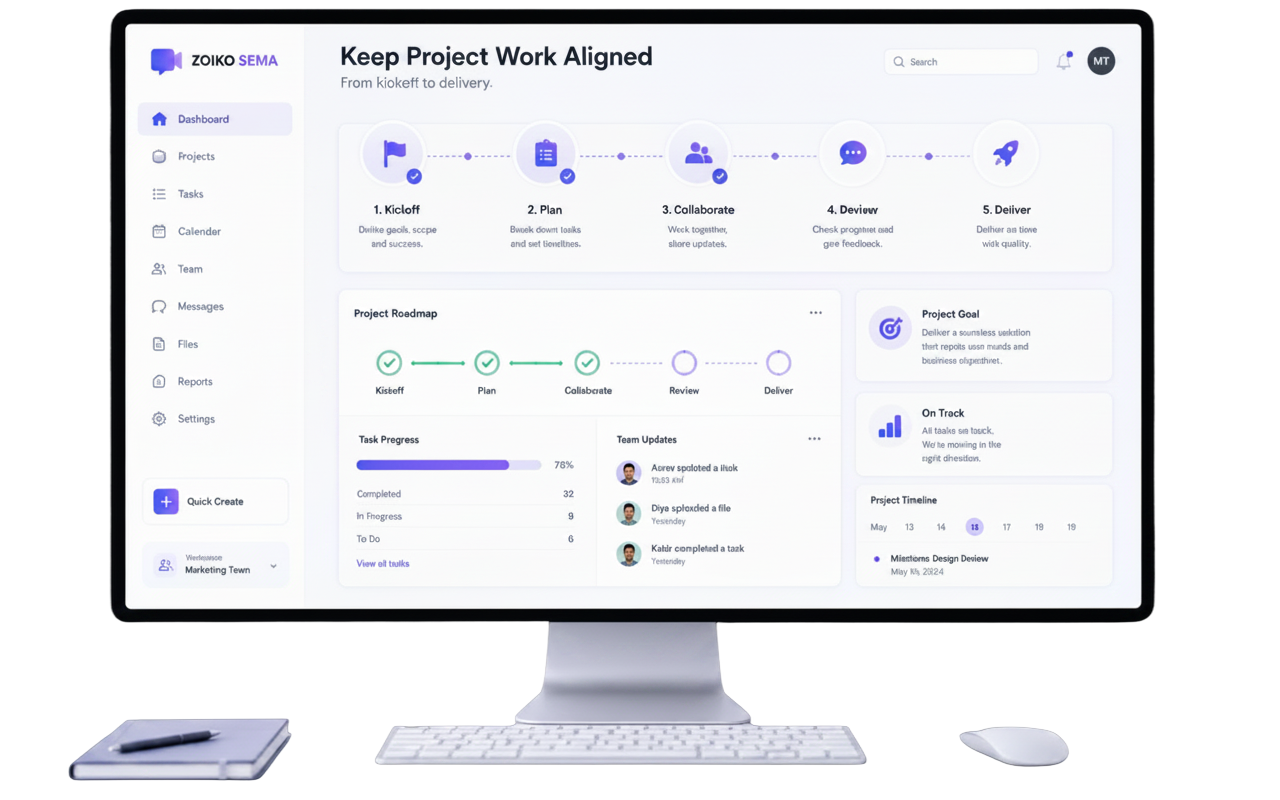
Keep project work
aligned from kickoff
to delivery.
Bring messages, meetings, tasks, files, project rooms,
decisions, AI summaries, and stakeholder updates into one
governed workspace.
Trusted by teams that turn individual context into shared execution
Turn scattered project work into one source of truth.
Three shifts that move a team from status chasing to shared, accountable delivery.
See how it works →Reduce project sprawl
▦Keep project messages, meetings, files, tasks, and decisions connected in one place.
Clarify ownership
◎Make owners, milestones, due dates, approvals, and blockers visible at a glance.
Protect delivery context
⚿Control guest access, AI summaries, file sharing, retention, exports, and audit history.
One workspace for the whole project
lifecycle.
Move from project room to meeting recap to a reviewed stakeholder update — without
losing context across tools.
Reviewed summary: 68% complete, 1 risk being managed, launch on track for Friday.
Every message, decision, file, and task stays connected to the project — and stakeholder updates are
always reviewed before they go out.
From kickoff to a clean, evidence-ready
close.
Six steps that keep every project organized, owned, and auditable.
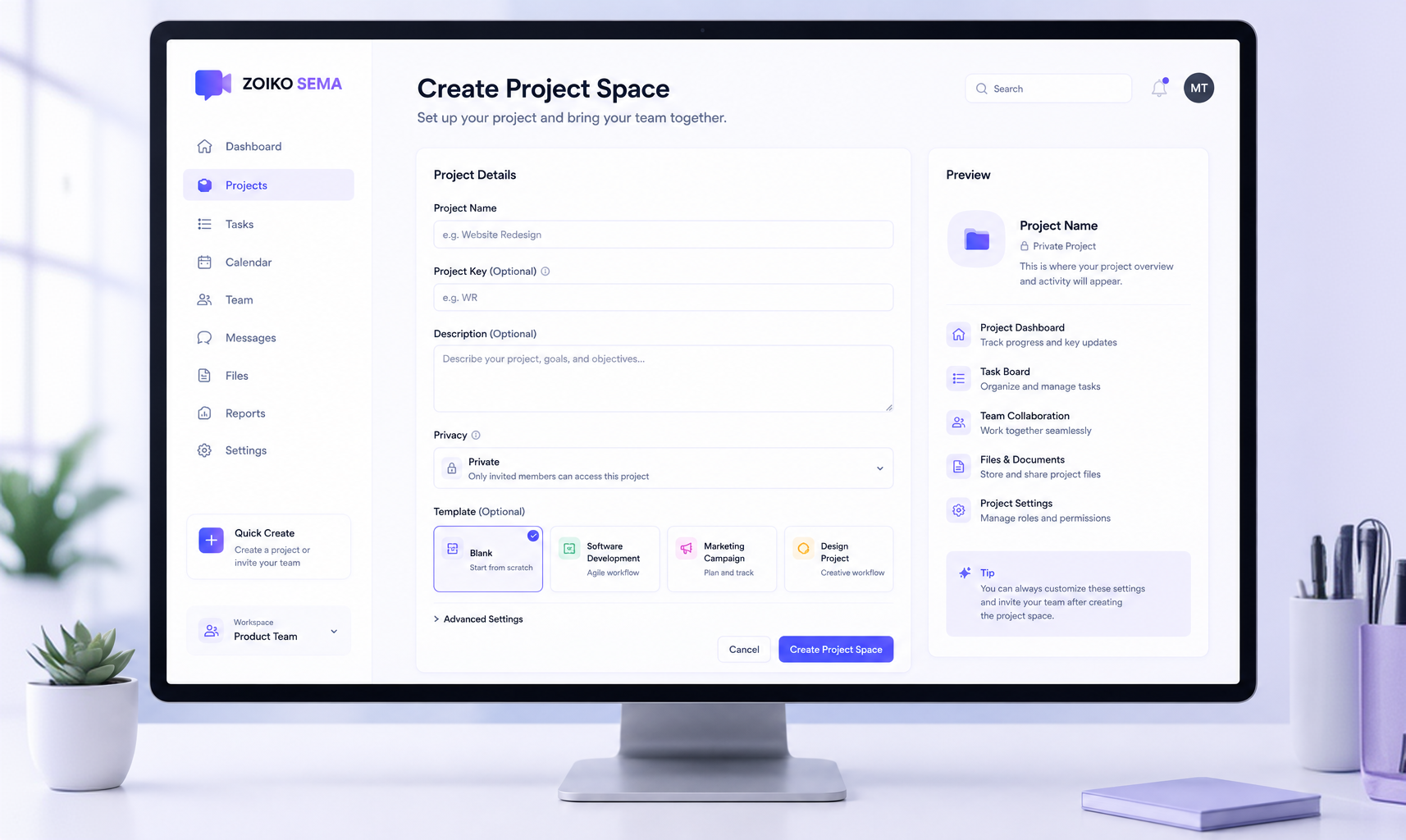
Create project space
Set the project name, purpose, team, client or department, visibility, owner, and starting template.
Built for the way real projects actually
run.
Project rooms
Dedicated spaces for campaigns, launches, client work,
internal programs, and operational initiatives.
Milestone boards
Track owners, due dates, status, blockers, and
dependencies across project phases.
Meeting follow-up
Turn project meetings into summaries, decisions, tasks,
and stakeholder updates.
Decision logs
Keep approvals, rationale, evidence, and source context
easy to find.
File context
Link project documents to meetings, messages, tasks,
and decisions.
Stakeholder updates
Share reviewed project summaries with internal leaders
or clients.
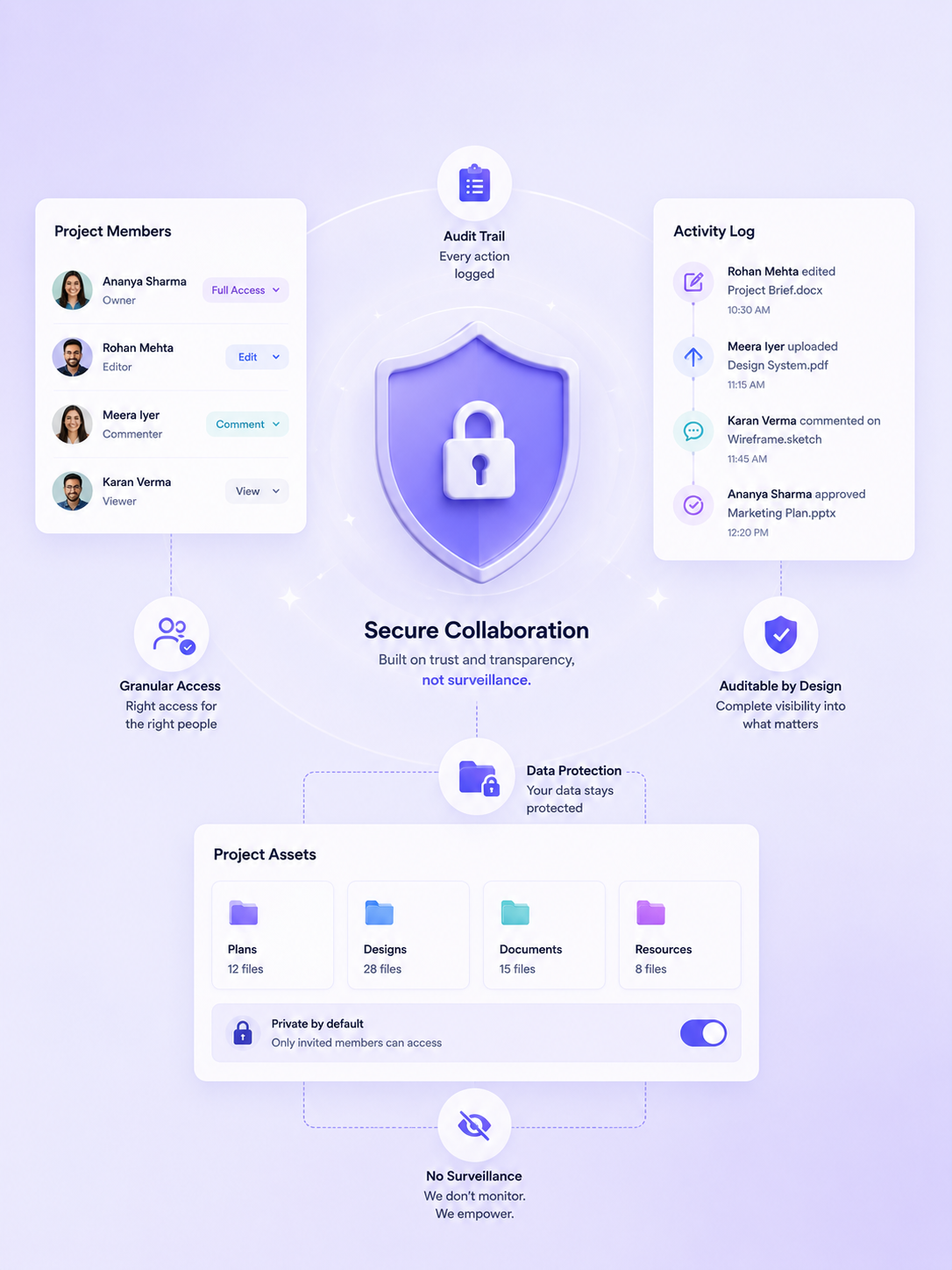
Secure, auditable project collaboration —
without surveillance.
RBAC and roles
Owner, Admin, Project Lead, Security, Compliance, AI Governance, Integration, and Auditor roles with scoped access.
External access
Invite clients, contractors, agencies, and partners with project scope, expiry, approval, and revocation.
AI controls
Enable or disable project summaries by workspace, project type, audience, meeting type, sensitivity, and plan.
Retention
Apply retention rules for project messages, summaries, files, decision logs, tasks, and audit events.
Audit exports
Export project activity, decision logs, and evidence packages for permitted roles and plan levels.
Privacy-respecting visibility
Project visibility, delivery context, and stakeholder alignment — never employee tracking or activity monitoring.
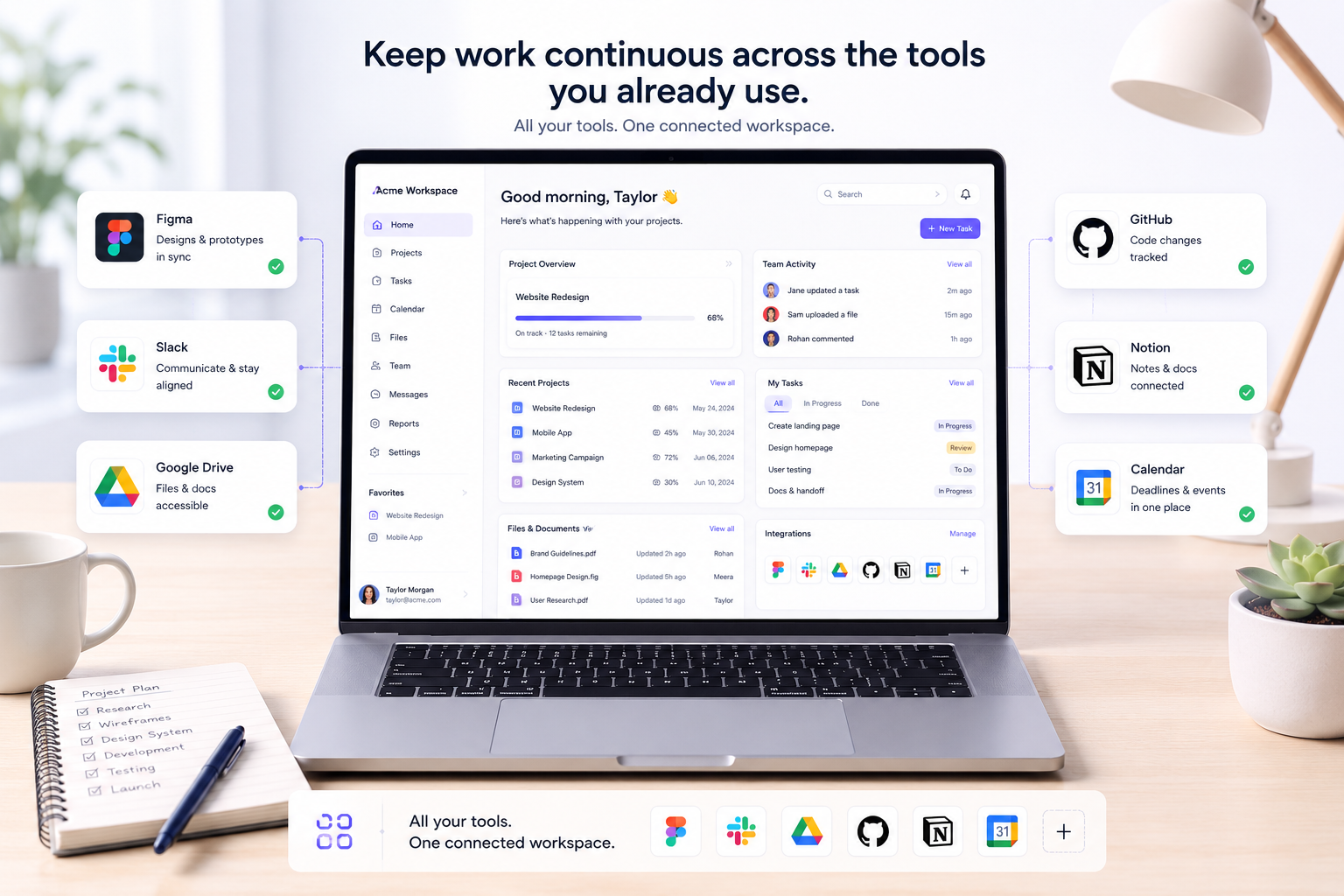
Keep work continuous across the tools
you already use.
Zoiko Sema gave every project one place for messages, tasks, and files. We stopped chasing status and started delivering.
faster project kickoff with standardized templates.
increase in cross-functional milestone achievement.
faster stakeholder reporting using AI recaps.
Project collaboration, security, and AI
It brings project messages, meetings, files, tasks, decisions, summaries, and stakeholder updates into one governed workspace.
Yes. You can invite guests to specific project rooms with granular access controls. They'll only see what you allow them to see, and you can require reviews before any AI summaries are shared with them.
Our AI reads across your project's chat, documents, and meetings to generate accurate, chronological summaries. It highlights risks, identifies action items, and drafts stakeholder updates that you can review and edit before sending.
Yes. You can invite external clients, contractors, agencies, and partners with project scope, expiry, approval, and revocation.
Yes, you can track decisions, keep approvals, rationale, evidence, and source context easy to find.
Yes, Zoiko Sema is built for enterprise scale, providing governance, retention rules, and privacy-respecting visibility without employee tracking.
Ready to bring project work into one
governed workspace?
See how Zoiko Sema keeps project messages, meetings, decisions, files, and stakeholder updates
connected — with governance built in.
For cross-functional teams, client projects, and enterprise delivery.