Build secure integrations on Zoiko Sema
Connect enterprise messaging, virtual meetings, and AI-powered summaries into your workflows with our robust suite of APIs and SDKs.

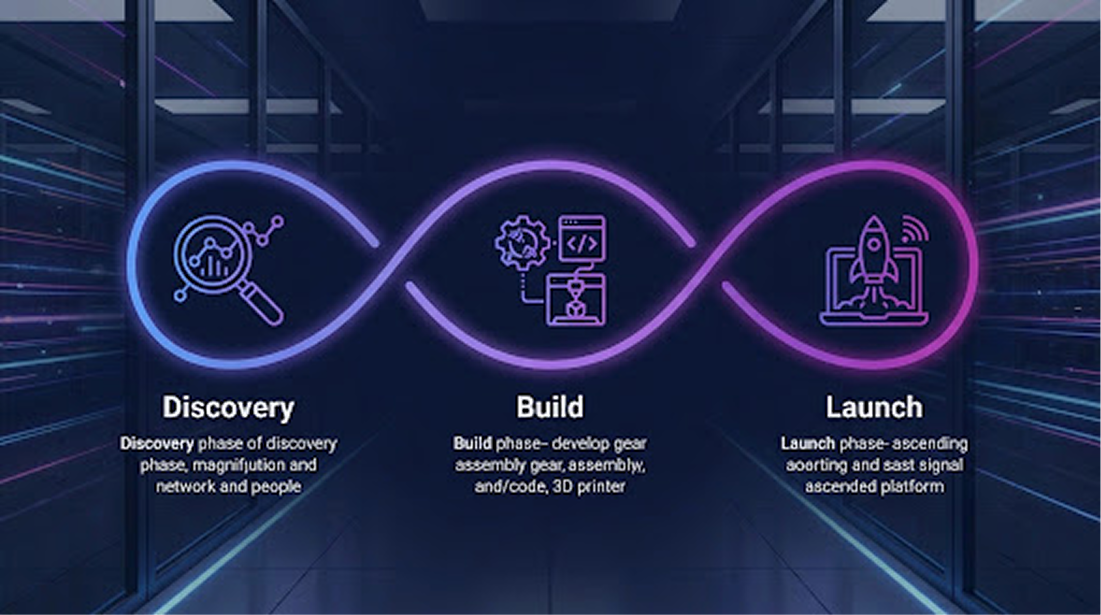
Quickstart Workflow
From discovery to production in five clear steps.
Discover
Browse APIs and identify required scopes.
Create App
Set up credentials in the Developer Dashboard.
Build
Install SDKs and implement your logic.
Test
Validate in our secure sandbox environment.
Launch
Apply for production access and scale.
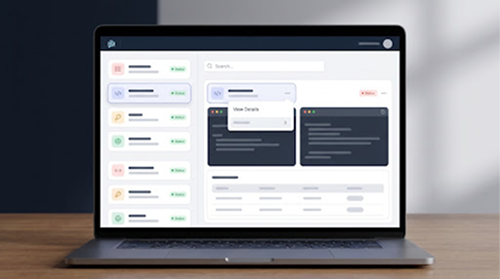
Create a scheduled meeting
Initialize a high-definition meeting room with custom recording policies and participant permissions.
OAUTH SCOPES
Explore API Families
Messaging
Real-time chat, attachments, and reactions.
Audio
Voice calls and audio conferencing.
Video
HD video streaming and layouts.
AI Summaries
Extract insights from transcripts.
Channels
Manage workspaces and threads.
Admin
User provisioning and compliance.
Webhooks
Configure event subscriptions.
Reporting
Usage metrics and audit logs.
Auth & Governance
Enterprise-grade security controls for your apps.
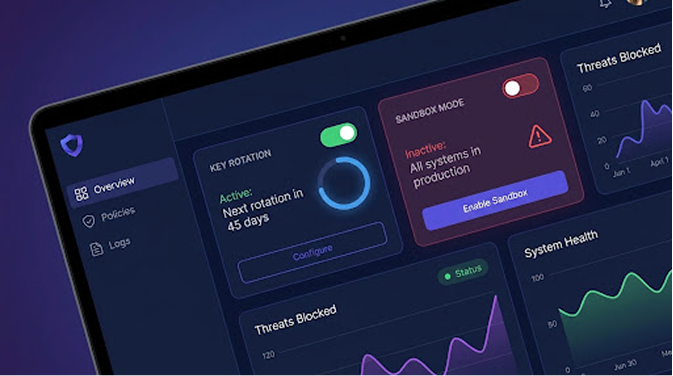
Key Rotation
Automated secrets management with zero downtime.
Sandbox Mode
Test dangerous actions without impacting production data.
Live Webhook Log
SDKs & Samples
Optimized libraries for every major platform.
Node.js
npm install @zoiko/sdk
Python
pip install zoiko-sema
Zoiko CLI
brew install zoiko/cli
Frequently Asked Questions
By default, every app starts with 1,000 requests per minute. Enterprise customers can request customized tier limits based on their expected traffic and deployment requirements.
Yes. Every developer account includes access to a fully isolated sandbox environment where you can test APIs, webhooks, authentication flows, and integrations without affecting production data.
Navigate to the Developer Dashboard, select your application, open Security settings, generate a new Client Secret, update your integration, and then revoke the previous secret once the migration is complete.