Files
Files that stay connected to the work.
Share, discuss, find, and govern documents inside the same Sema workspace where meetings, messages, mail, calendar events, notes, decisions, and follow-ups happen.
Not a folder system
Sema Files is a contextual file layer inside the workspace.
Files stay tied to the messages, meetings, mail threads, and decisions that gave them meaning.
Share where work happens
Attach documents to messages, spaces, meetings, mail threads, and follow-ups without breaking context.
Keep every file tied to context
See the conversation, meeting, decision, owner, and related notes behind a file.
Find files by meaning
Search by topic, meeting, owner, decision, mail thread, or project context.
Govern without slowing down
Permissions, retention, version history, external sharing rules, and audit controls.
Context workspace
Each file preserves its conversation, meeting, decision, owner, and policy.
Left rail
Spaces, channels, projects, meetings, mail, calendar, and Files selected.
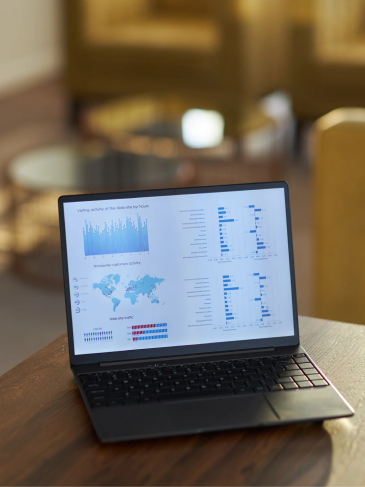
Center panel
File list grouped by conversation, meeting, mail thread, or project.
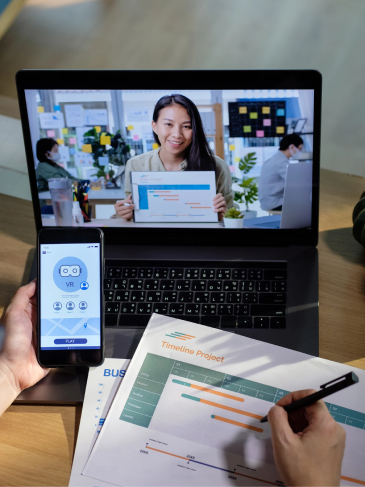
Right context panel
Linked source, related meeting, owner, decision, follow-up, policy, and audit trail.
File lifecycle
Upload, share, discuss, decide, follow up, preserve.
Upload
Enters through messages, meetings, mail, channels, or direct upload.
Share
Permissions apply by workspace, channel, role, quota status, and policy.
Discuss
Comments and conversation remain attached to the file.
Decide
Decisions, owners, and due dates captured from the discussion.
Follow-up
Sema can draft follow-ups where policy allows.
Preserve
Version, retention, and audit history remain available.
Mail, calendar, meeting continuity
Mail and Calendar are part of the Sema product system. Files benefits from that.
Mail attachment becomes meeting asset
A file received by mail can attach to a scheduled meeting without losing the source thread.
Meeting deck becomes channel resource
A deck used in a meeting stays linked to the summary and project channels.
Calendar event carries files
Agenda, briefing notes, and attachments stay with the event and meeting room.
Follow-up keeps the file attached
Follow-up messages can reference the correct file version.
Search and AI memory
Find files by the work they supported, not by filename guessing.
Context search
Search by project, meeting, sender, owner, decision, thread, or date.
AI-assisted retrieval
Suggests related files from meetings, mail, messages, and notes where policy allows.
Permission filtering
Results only show files the user is authorized to access.
Governance and security
Explicit control for IT, legal, and regulated buyers.

Access permissions
Workspace, channel, file, role, guest, and external sharing controls.
Role-basedExternal sharing
Approval workflows and default restrictions for external guests.
Approval requiredRetention controls
Policy-based retention by workspace, file type, project, or classification.
Policy-basedVersion history
Preserve file versions and identify approved/current versions.
Version-awareAudit trail
Record sharing, download, permission, deletion, and policy changes.
Fully loggedConfidential Mode
Files in Confidential Mode respect encryption and AI restrictions.
Encryption respectedSecured, trusted
Files that scale from individuals to regulated teams.
Individuals
Keep personal files connected to conversations, notes, and meetings.
Teams
Share project documents, meeting assets, and decisions in one workspace.
Businesses
Govern file sharing, access, retention, and audit controls across workspaces.
Regulated teams
Use policy controls, Confidential Mode, retention, and audit trails for sensitive file workflows.
FAQ
Questions about Sema Files
Get started
Keep every file connected to the conversation that matters.
Start free, invite your team, or speak with sales about secure file collaboration, governance, and deployment.